CoolDock
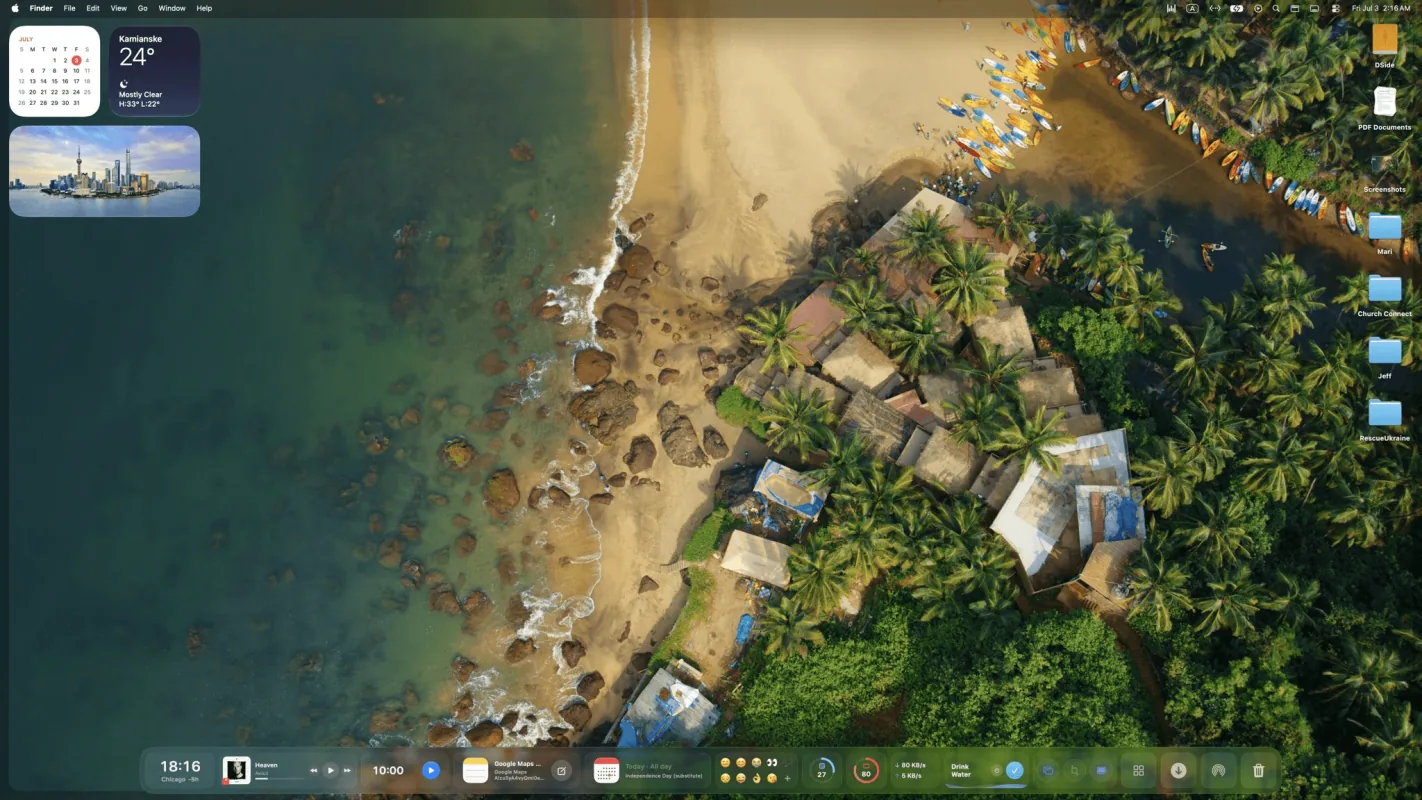
Live widgets in a second Dock.
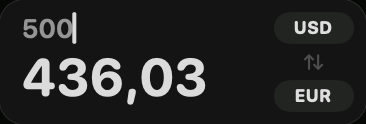
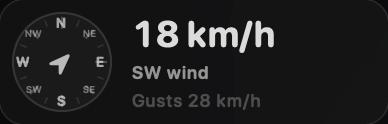
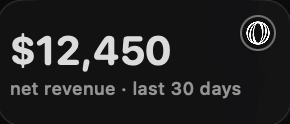
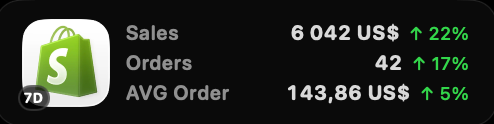
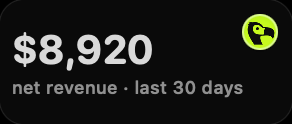
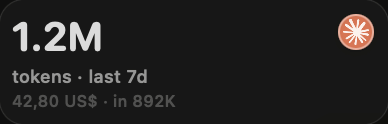
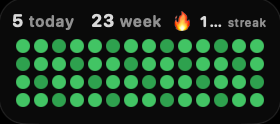
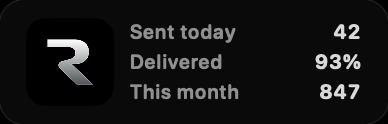
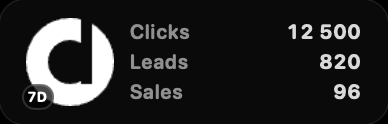
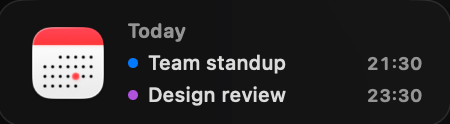
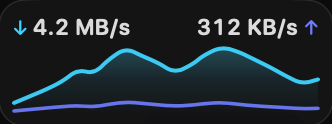
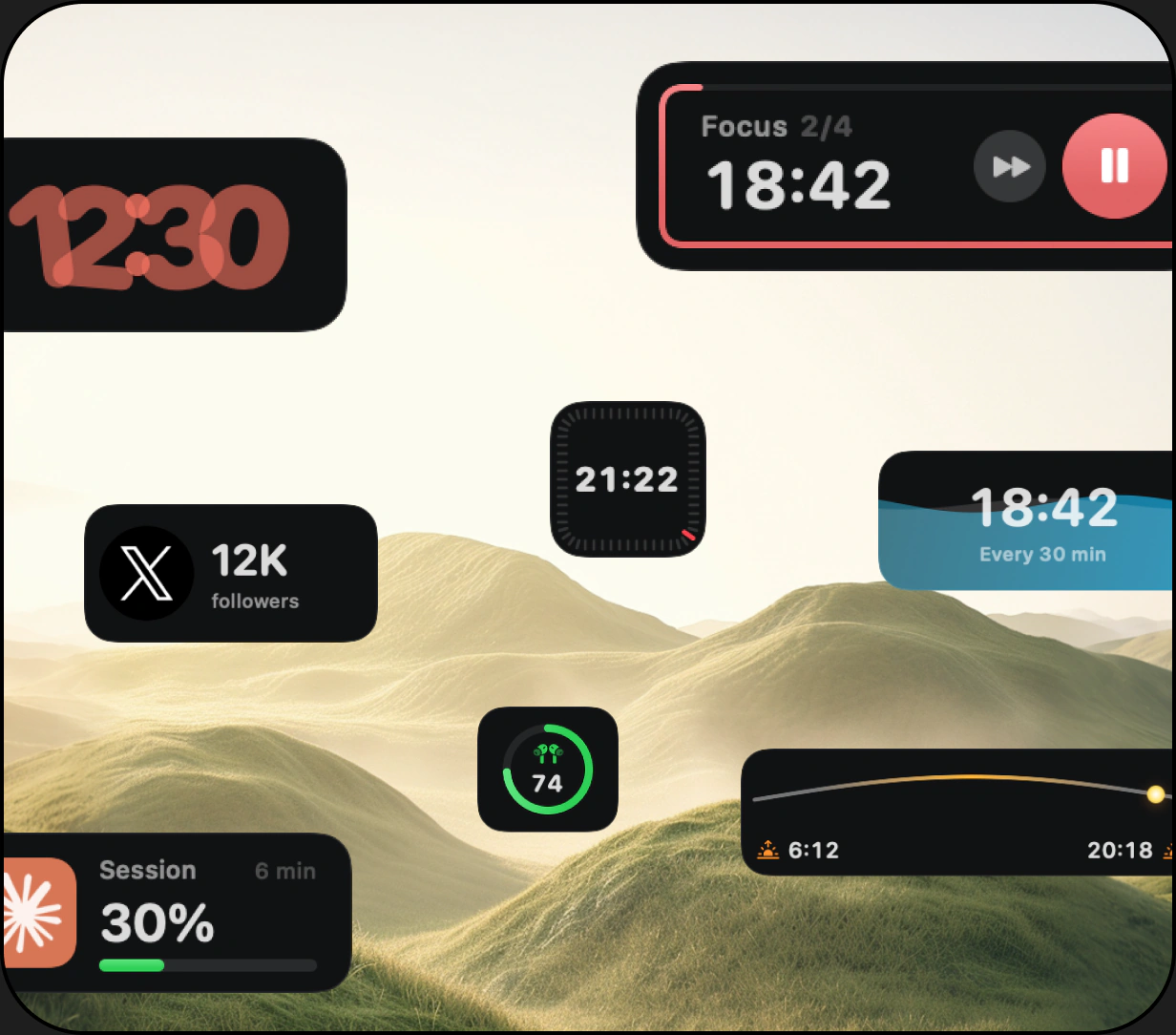
Clocks, weather, reminders, music, system stats, AI usage, revenue, files, and more, in a Dock that sits beside the one you have. 160+ widgets, one-time purchase.
Upgrade the Dock you already use
Dock apps for Mac change what the Dock can do.
This guide covers the types of dock apps and what each one fixes.
The gaps
The macOS Dock launches and switches apps. It does not do the four things below.
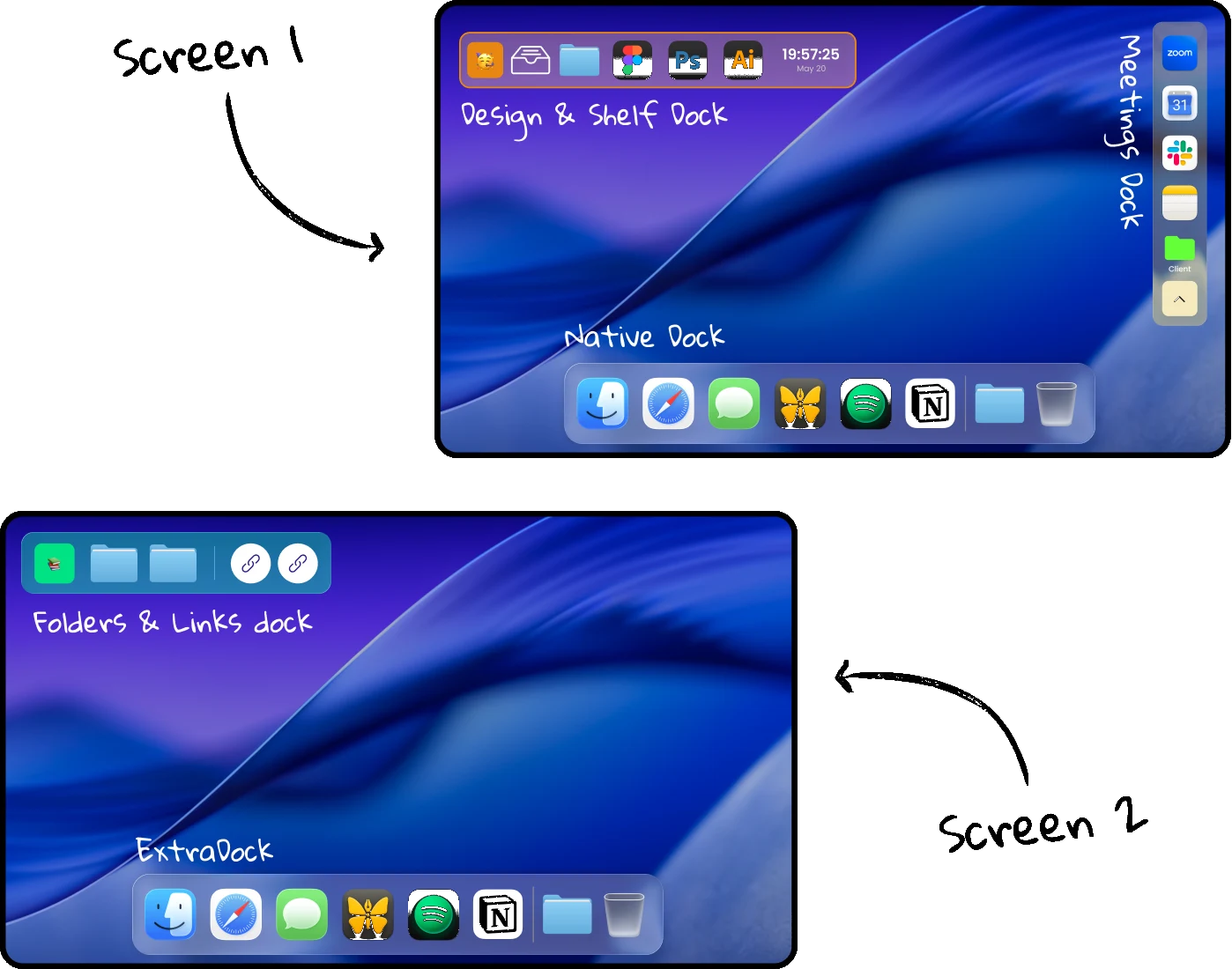
macOS shows the Dock on one screen at a time. There's no native way to show it on every screen at once.
The Dock shows app icons and badges. No widgets, the way the Mac desktop and Notification Center already do.
On iPhone and iPad you can group apps into folders. The Mac Dock has Stacks for files, but no app folders.
The Dock you use for design is the Dock you use for dev. Nothing changes when your work does.
Three kinds
Dock apps fall into three groups. Each one adds something the Dock does not have.
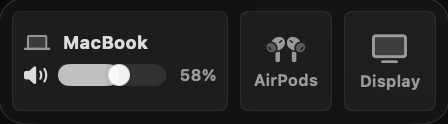
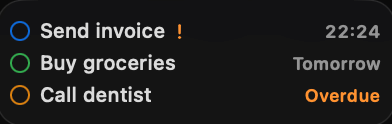
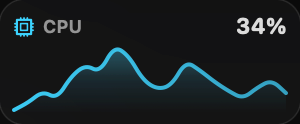
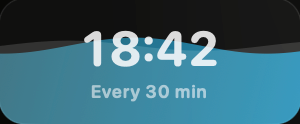
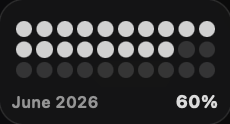
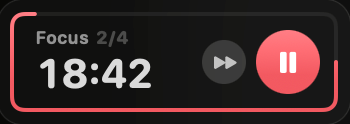
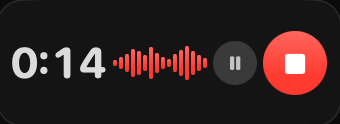
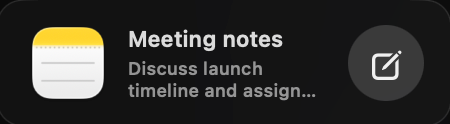
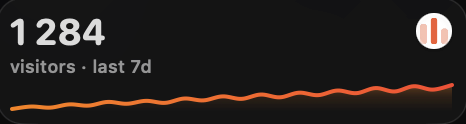
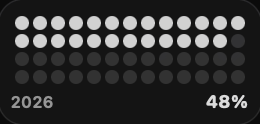
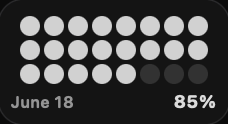
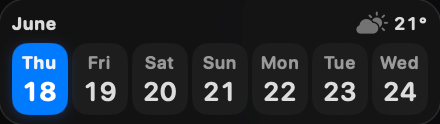
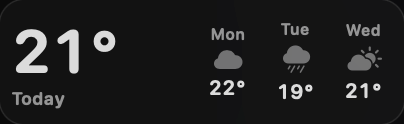
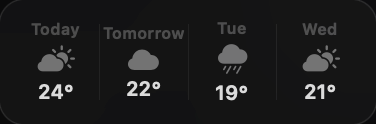
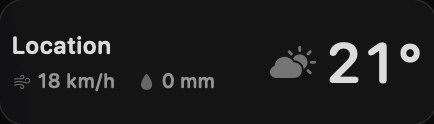
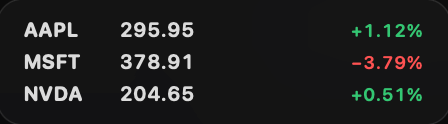
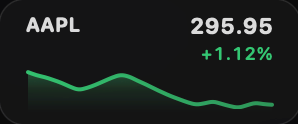
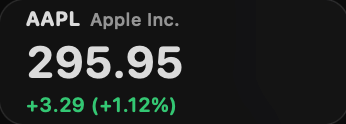
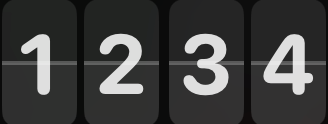
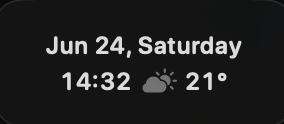
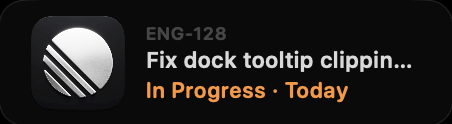
A second Dock built for live information: clocks, weather, music, tasks, system stats.
CoolDockMore than one Dock, placed anywhere on any screen, each with its own apps and folders.
ExtraDockOne Dock, many setups. Swap the apps in your Dock per task, project, or Focus mode.
DockFlowThree dock apps, one setup
Each app covers one gap. Together they cover all of them.
A second Dock for live widgets, quick actions, apps, and folders. Keeps the native Dock exactly as it is.
160+ widgets for Mac
Adds a dock to every screen, floating or fixed, each with its own apps, folders and settings. Fully customizable.
Visit ExtraDock
Save Dock setups as profiles and switch between them by hotkey, shortcut, or Focus mode.
Visit DockFlowTogether: CoolDock holds the widgets, ExtraDock holds the extra app docks, and DockFlow switches the native Dock underneath them when your work changes.
CoolDock
Clocks, weather, reminders, music, system stats, AI usage, revenue, files, and more, in a Dock that sits beside the one you have. 160+ widgets, one-time purchase.
ExtraDock
ExtraDock adds floating docks wherever you want them, with their own apps, folders, and behavior. Pair it with CoolDock to keep launching and live information in separate docks.
DockFlow
Plenty of people like the Dock as it is. What they don't like is the Dock following the cursor to another monitor. DockFlow's Lock Dock pins it to the screen you pick and keeps it there.
Add live widgets, quick actions, search, stats, weather, music, todos, and more to a beautiful second Dock built for your daily workflow.
Download for macOS150+ Premium wallpapers included


One-time payment. No subscription.
$14.99
Tax might apply
Previously $46.50
$34.99
Tax might apply
$34.99 per device Save $11.51
Previously $69.99
$57.99
Tax might apply
$29.00 per device Save $12.00
Previously $89.99
$69.99
Tax might apply
$23.33 per device Save $20.00
$115.99
Tax might apply
Lifetime Access includes one year of updates, and your version keeps working forever. Forever Edition includes all future updates for life. The One Year License expires after 12 months and does not renew automatically.
Short answers to what people ask before adding a dock app.
Dock apps are third-party tools that extend or replace the macOS Dock: second docks, live widgets, app folders, dock switching, and window previews.
Yes. macOS only ships with one, but dock apps like CoolDock and ExtraDock add more docks beside it, on any screen.
Some do, most don't. CoolDock, ExtraDock, and DockFlow all work with the Dock you have. Replacements like uBar hide it.
The native Dock can't stay on every display at once. ExtraDock puts a dock on each screen, and CoolDock can sit on any display you choose.
CoolDock is built as a native Mac app and only runs the widgets you add, so it stays light. Connected widgets only use the access their feature needs.
CoolDock supports macOS Sonoma 14.0 or later. ExtraDock and DockFlow list their own requirements on their sites.
No. CoolDock is a one-time purchase with no subscription or automatic renewal. ExtraDock and DockFlow follow the same model.
Yes. They are built to run side by side: CoolDock for widgets, ExtraDock for extra app docks, DockFlow for switching Dock setups.