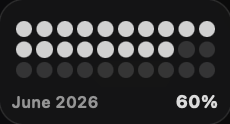
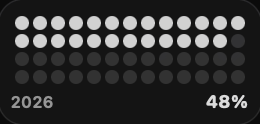
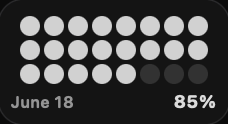
Clocks & time
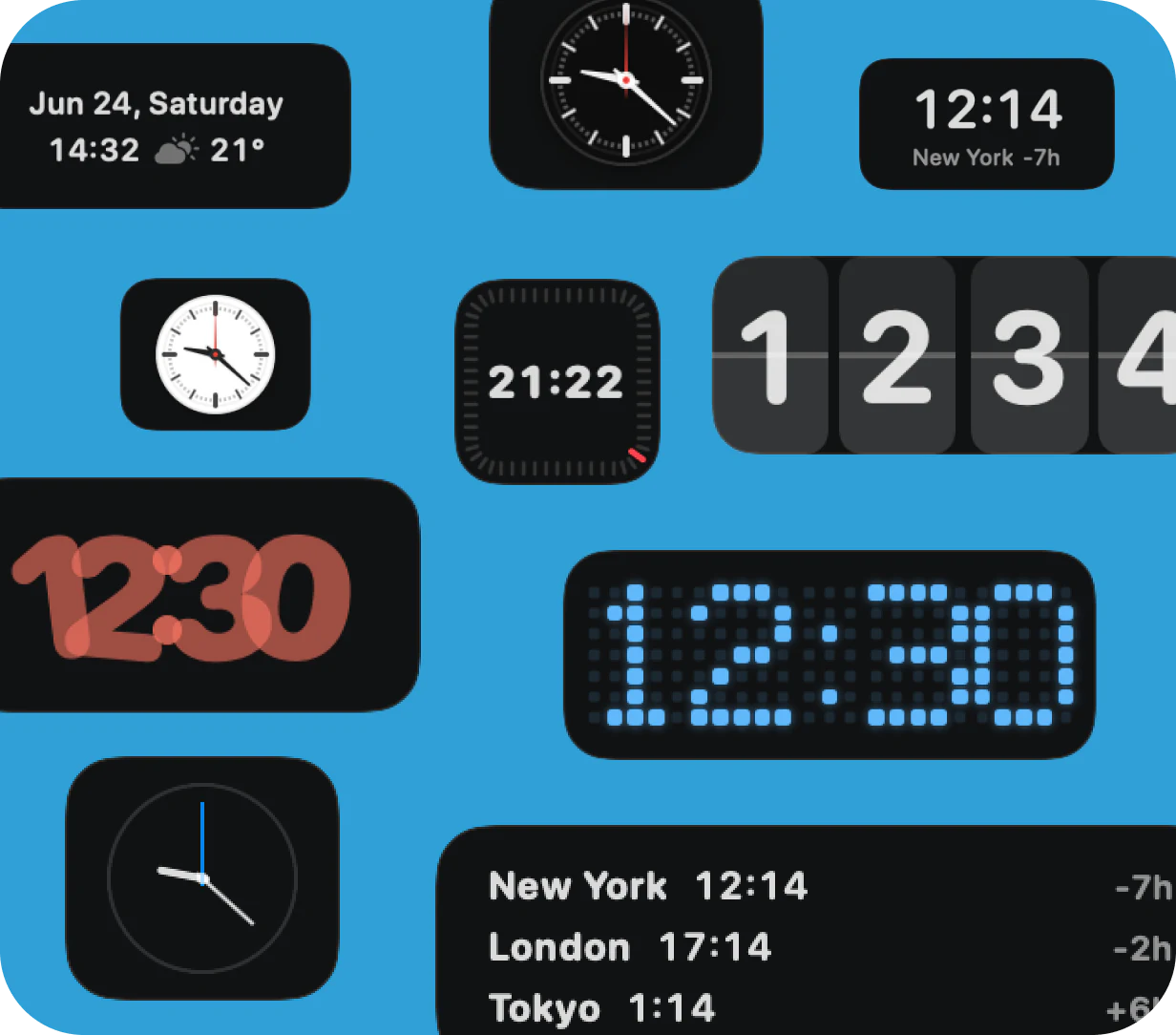
A clock for every kind of Dock
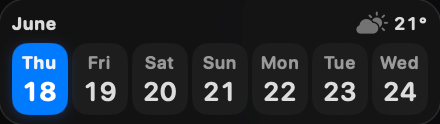
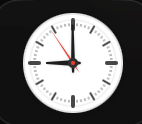
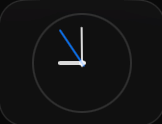
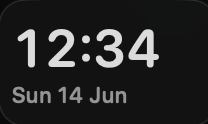
Pick the clock that fits your Dock: digital, analog, flip, pixel, world time, and more. Keep time your way without opening another app.
160+ live widgets in one smart Dock
Add live widgets for time, weather, tasks, music, system stats, AI usage, revenue, files, and more to the Dock you already use.
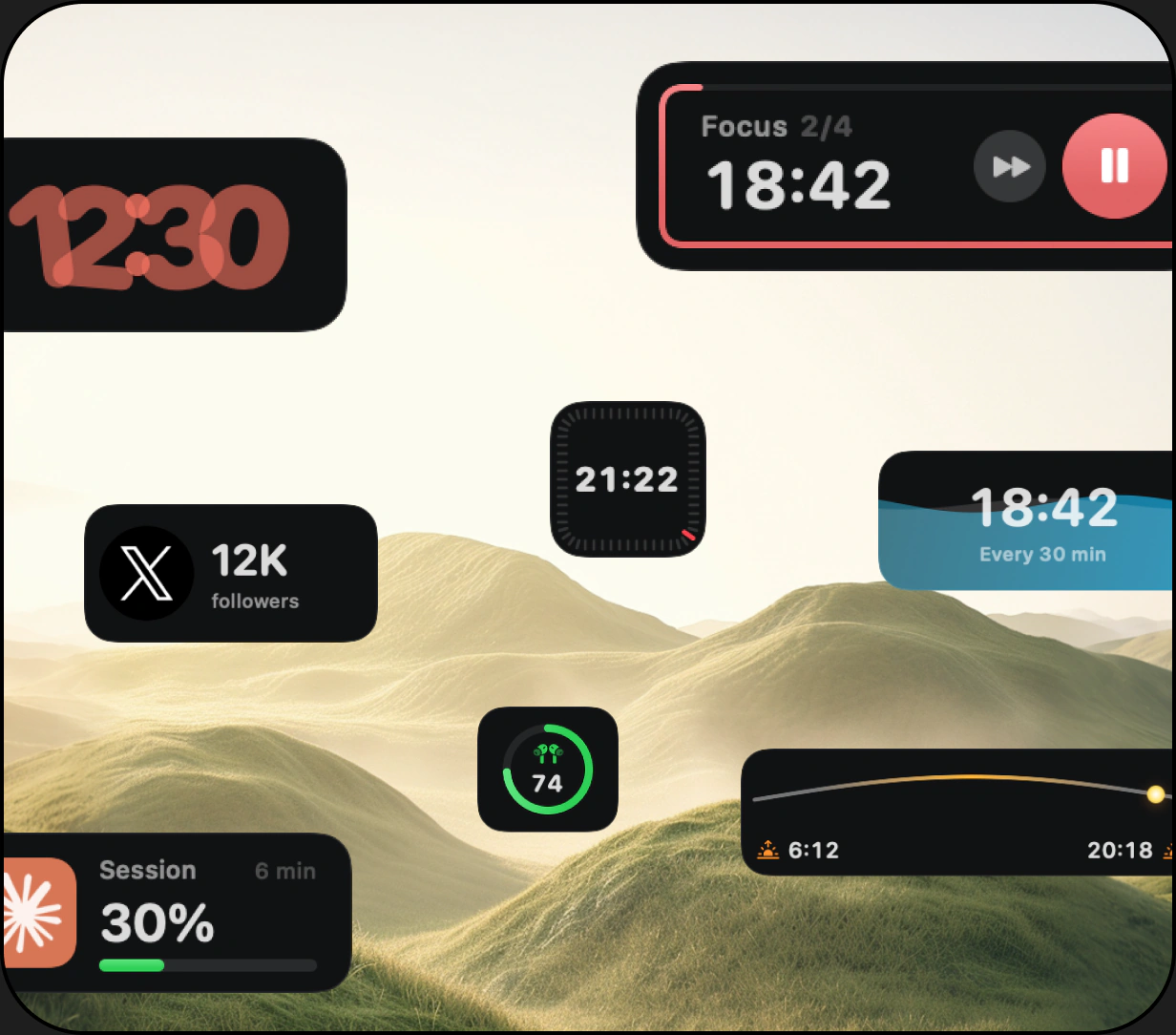
Clocks & time
Pick the clock that fits your Dock: digital, analog, flip, pixel, world time, and more. Keep time your way without opening another app.
Focus & wellness
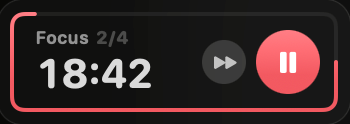
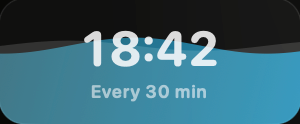
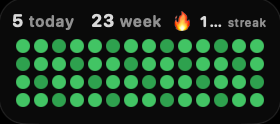
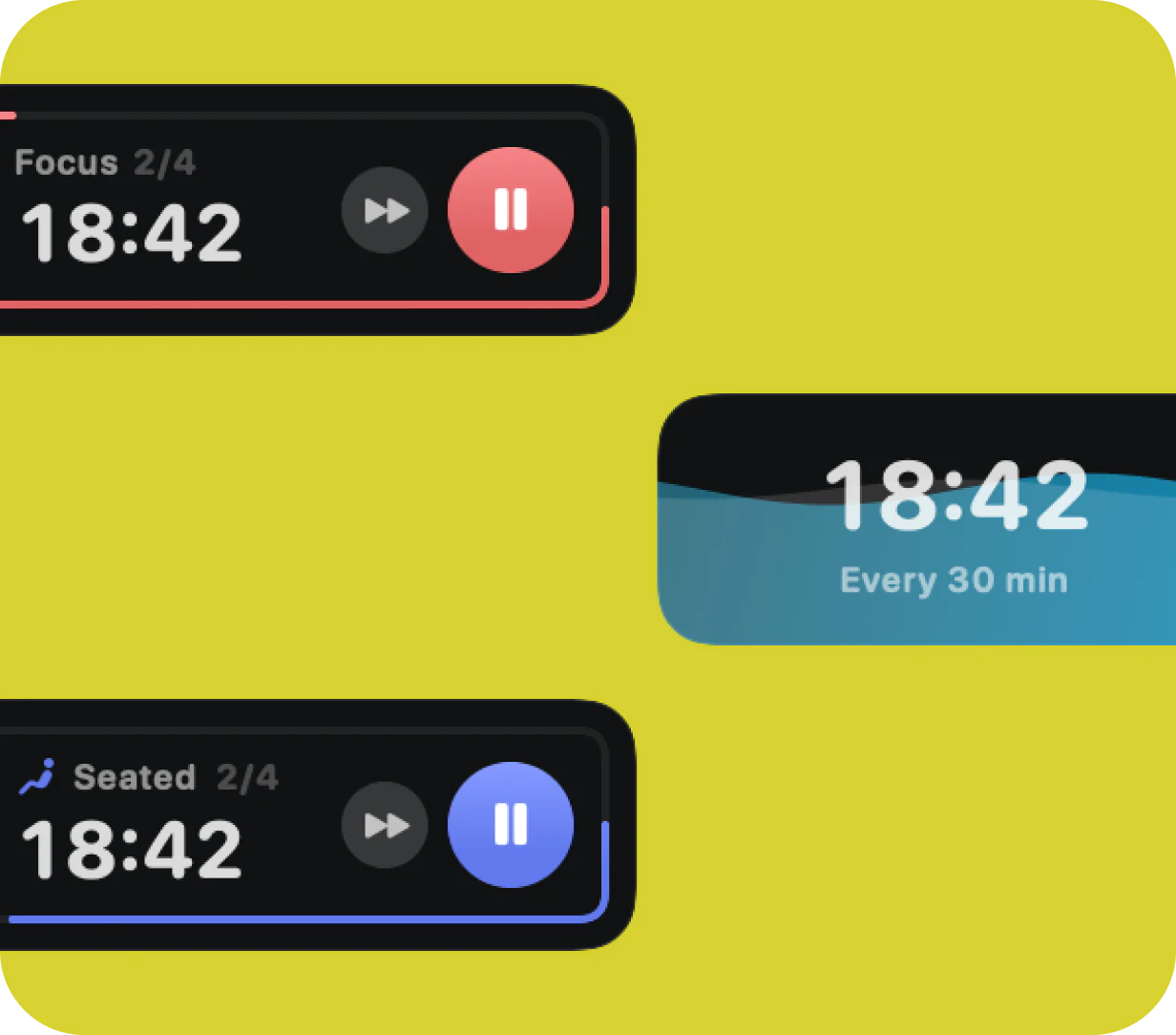
Stay focused without forgetting yourself. Track Pomodoro sessions, posture, and water right from your Dock.
Watch how live widgets, quick actions, apps, and folders come together in a second Dock built for macOS.
 Watch the overview
Tasks, reminders & mail
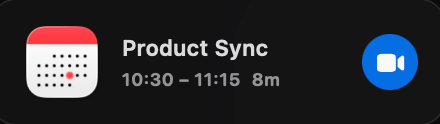
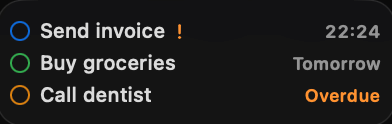
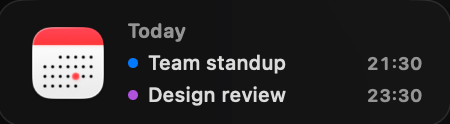
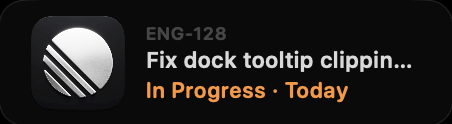
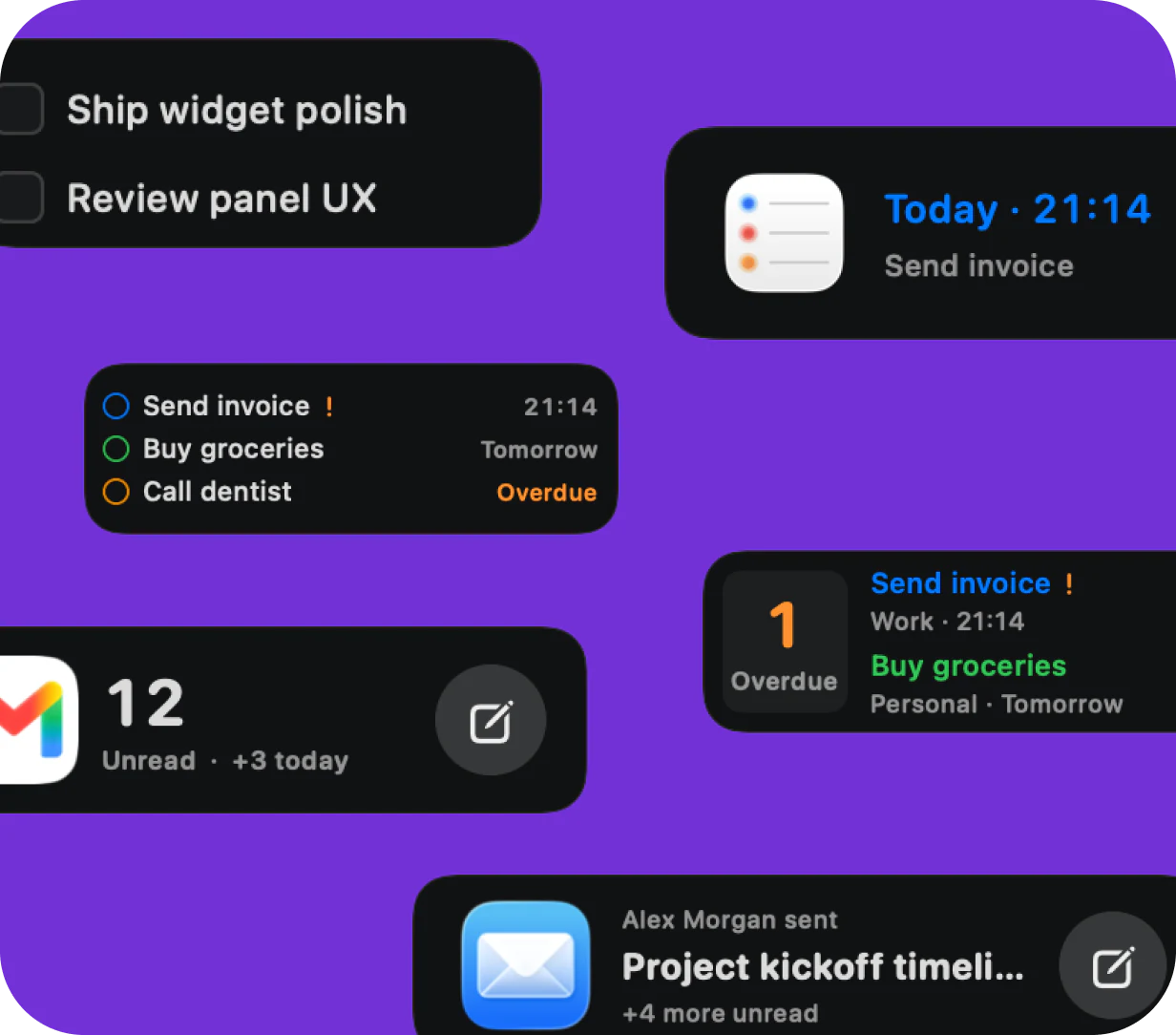
See upcoming reminders, tasks due today, quick todos, and unread mail directly from your Dock. The information you act on most stays visible without constant app switching.
Weather
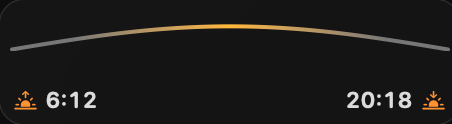
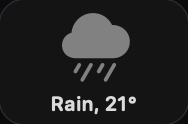
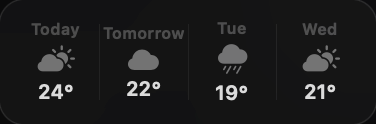
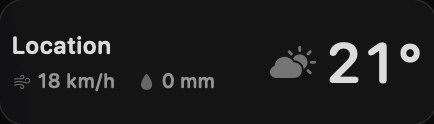
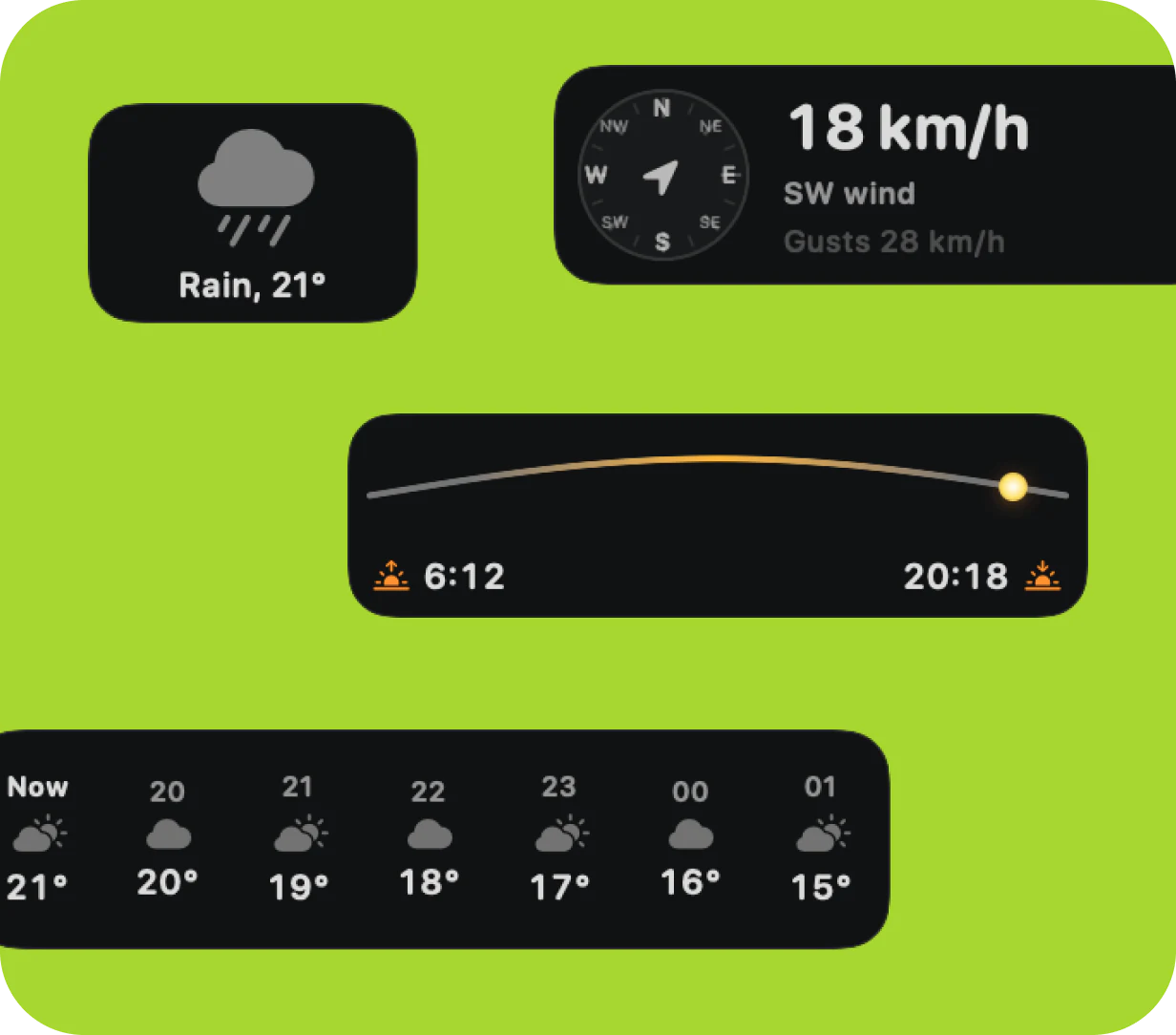
Keep current conditions, wind, sunrise and sunset, and the hourly forecast close to your workspace. Pick the weather details that matter to you and leave the rest out.
System performance
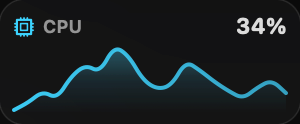
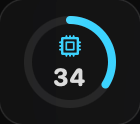
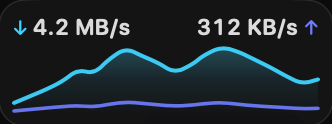
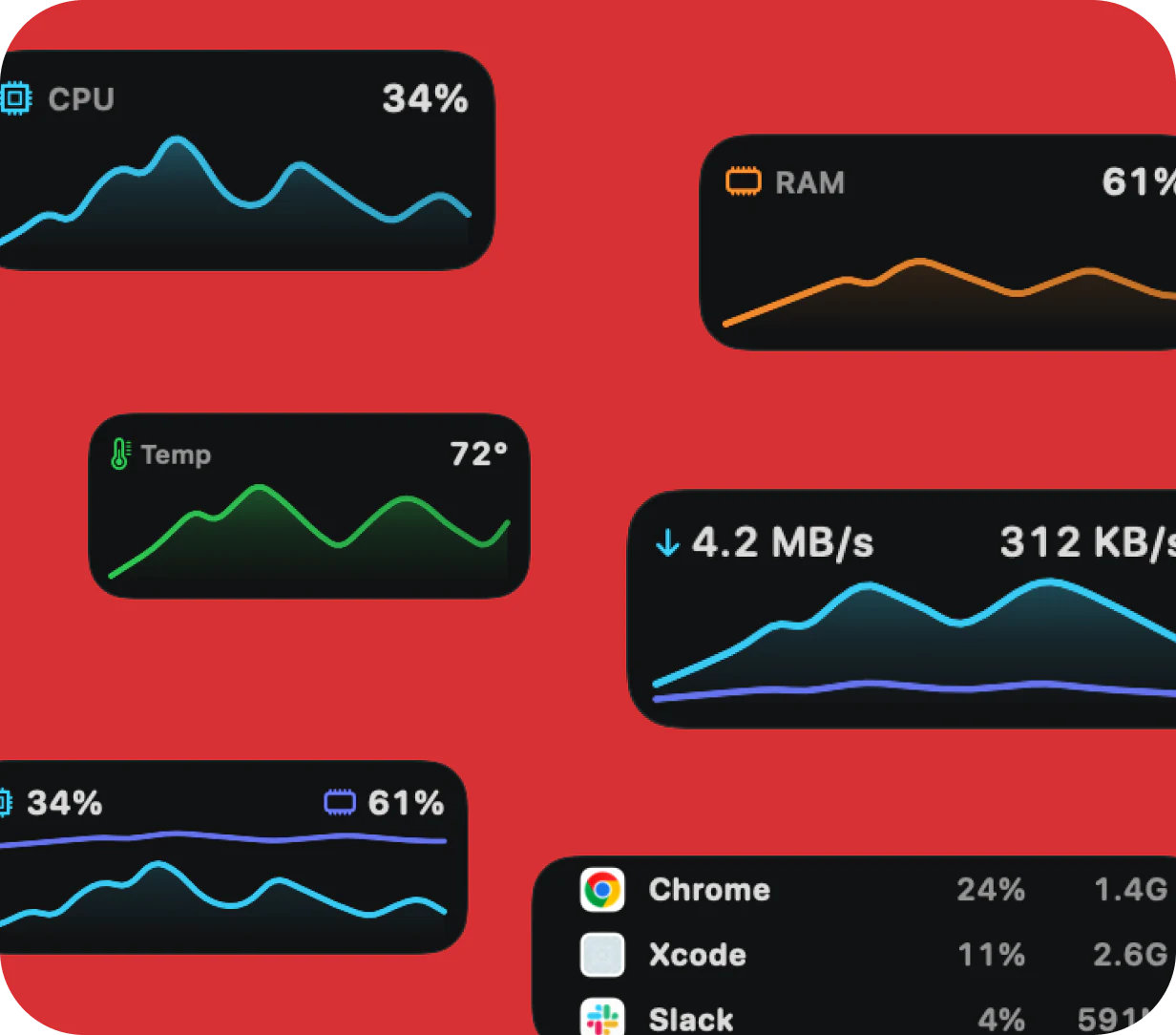
Watch CPU, memory, network, temperature, and active apps through compact charts. You can spot unusual activity without keeping Activity Monitor open beside your work.
System monitoring
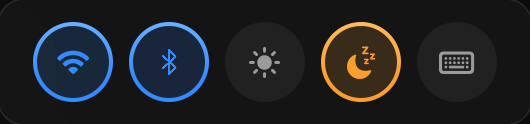
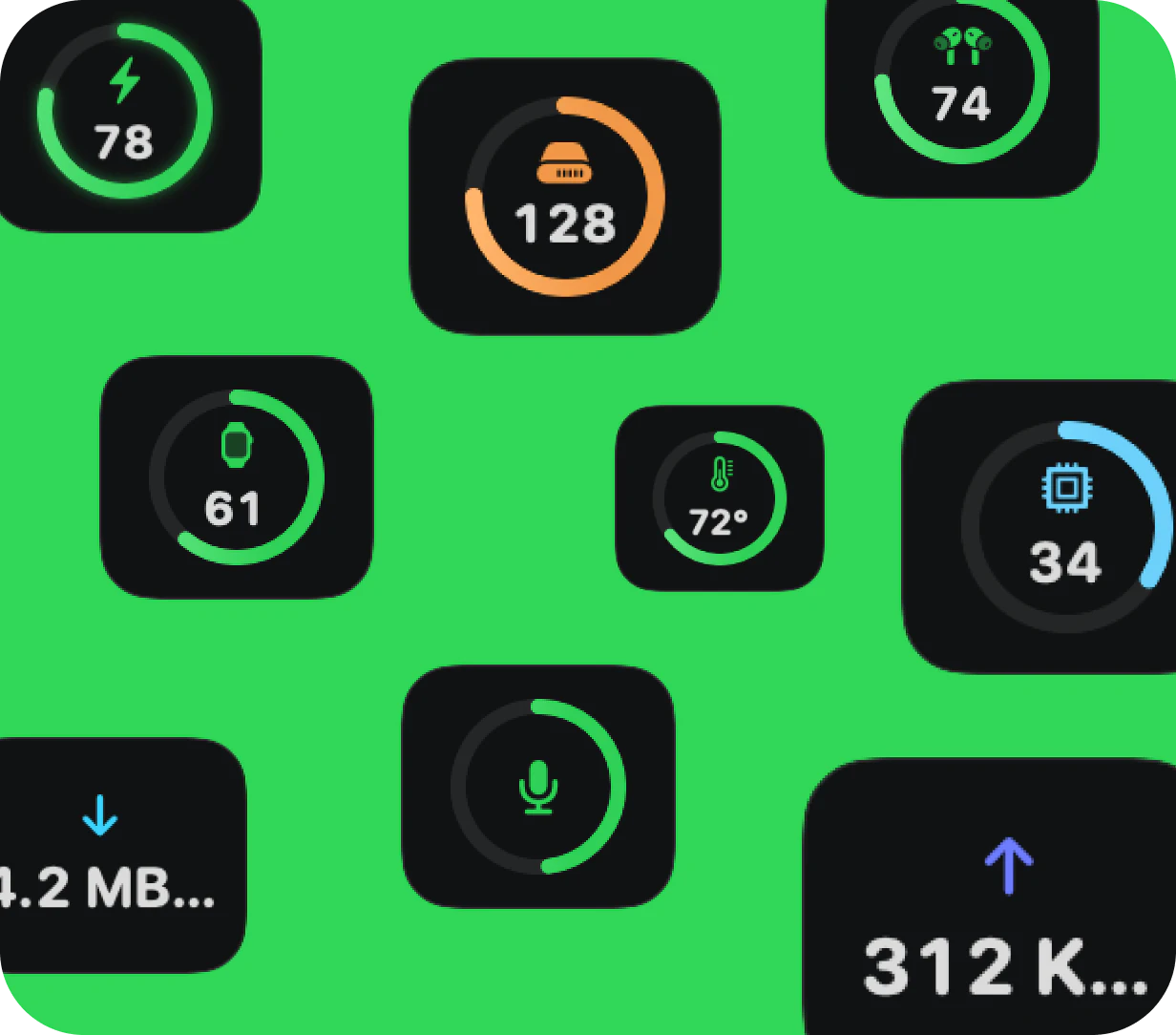
Keep an eye on your Mac and connected devices from the Dock. Battery, storage, temperature, network, and microphone status are all easy to check.
AI usage
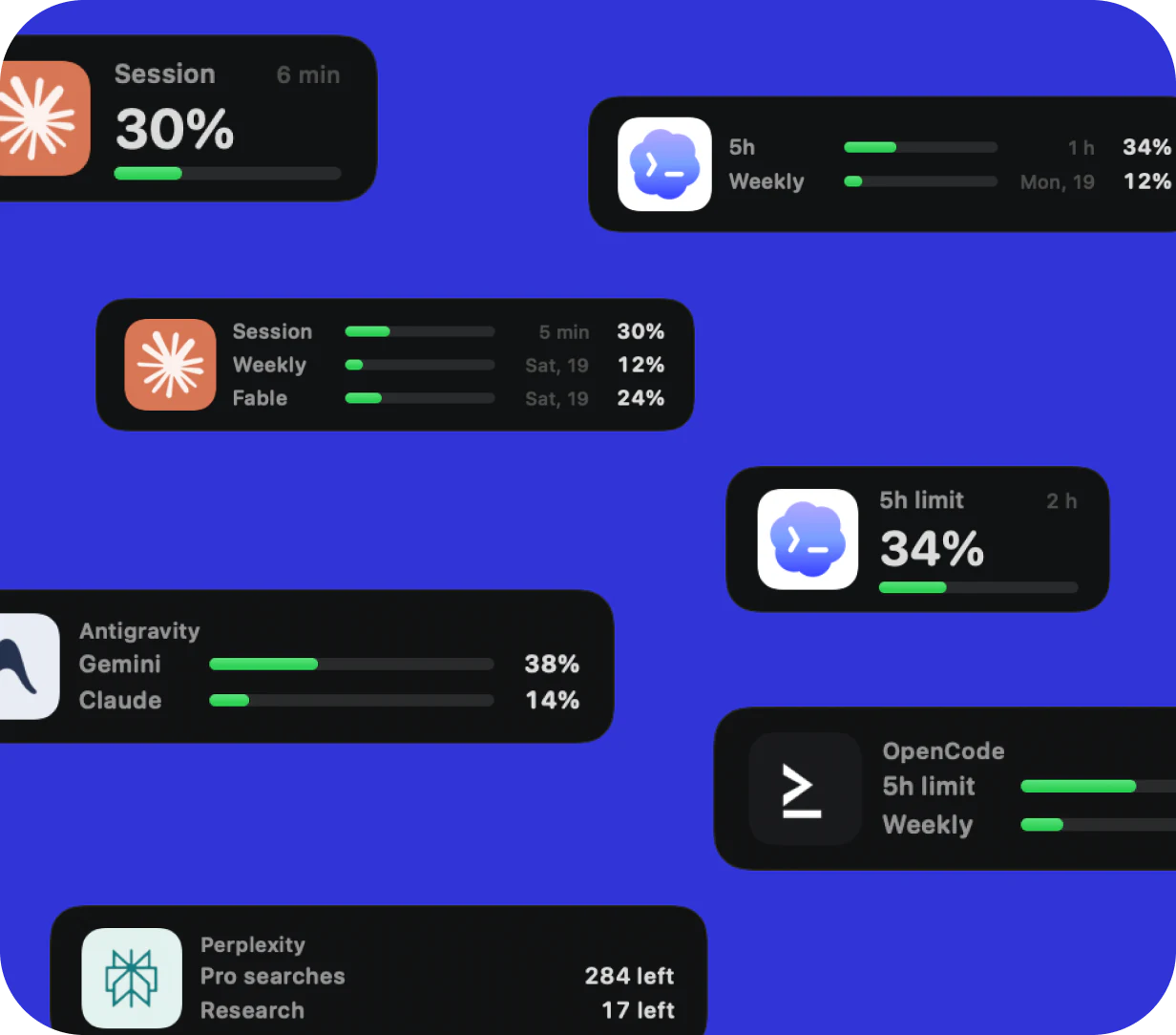
See plan usage and limits for Claude, Codex, Cursor, Copilot, Perplexity, and more, right from your Dock.
Revenue & markets
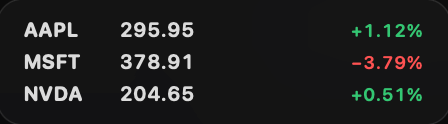
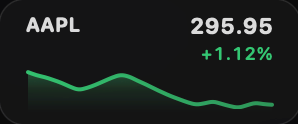
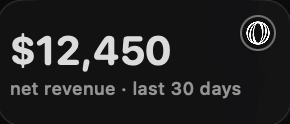
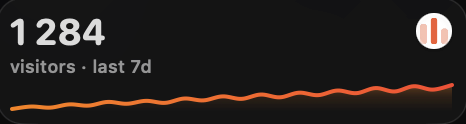
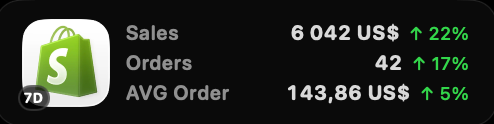
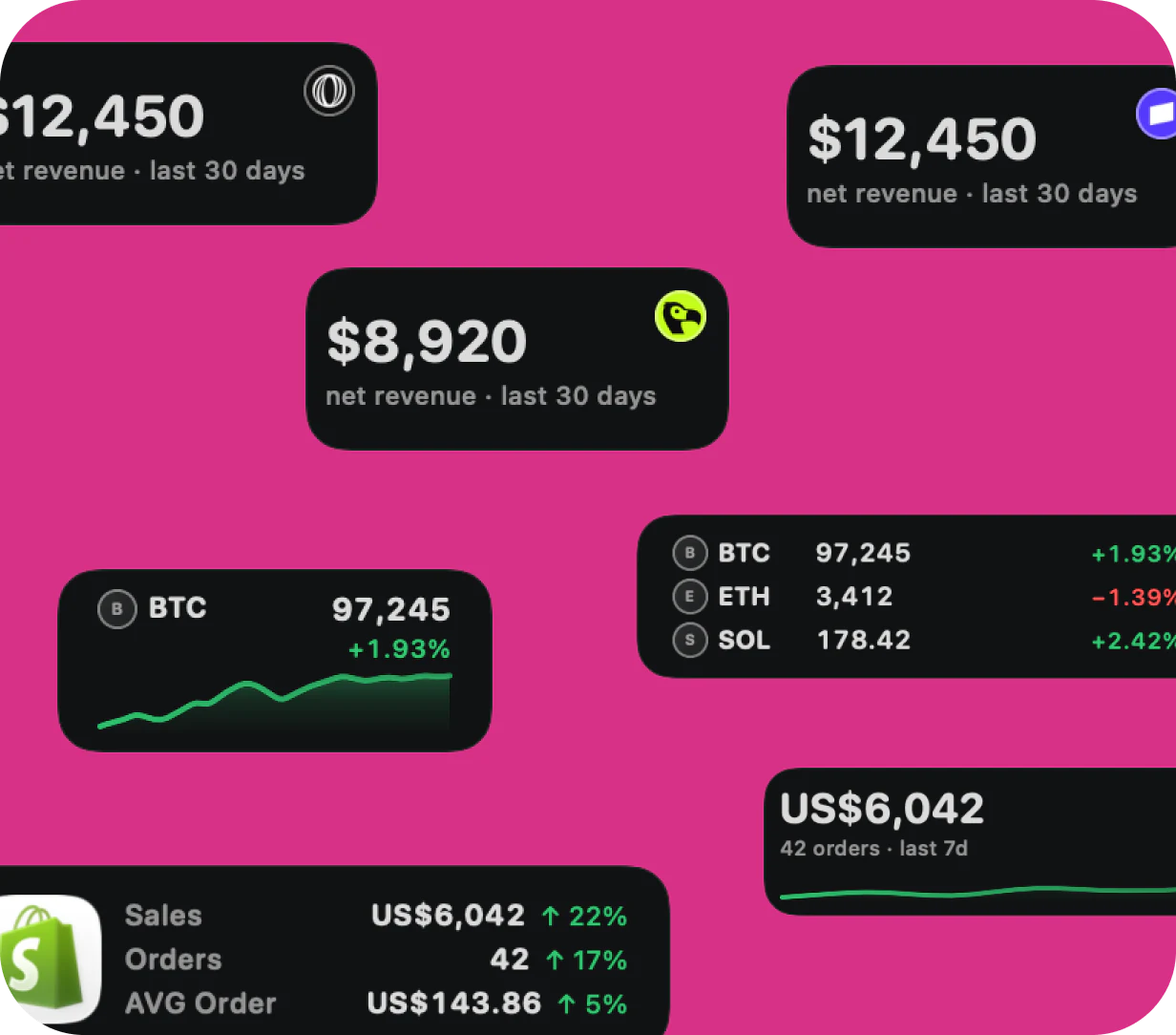
Follow sales from Polar, Stripe, Dodo Payments, and Shopify alongside crypto charts and watchlists. Important movement stays visible without living in another dashboard.
Files & utilities
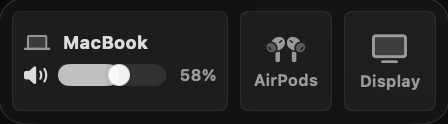
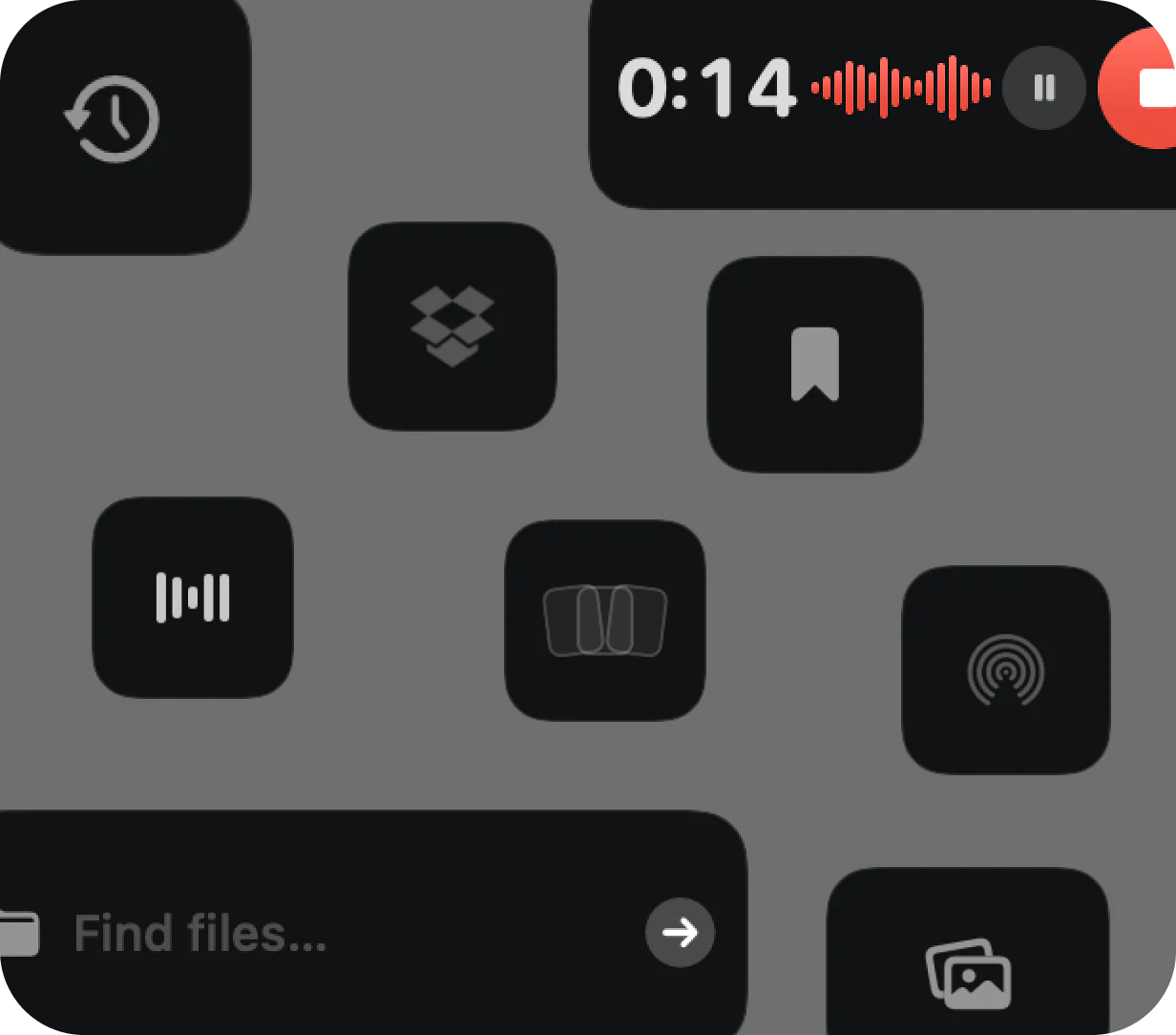
Find recent files, screenshots, and Dropbox items without digging through folders. You can also AirDrop files, record a voice memo, or adjust app volume from the Dock.
Social media
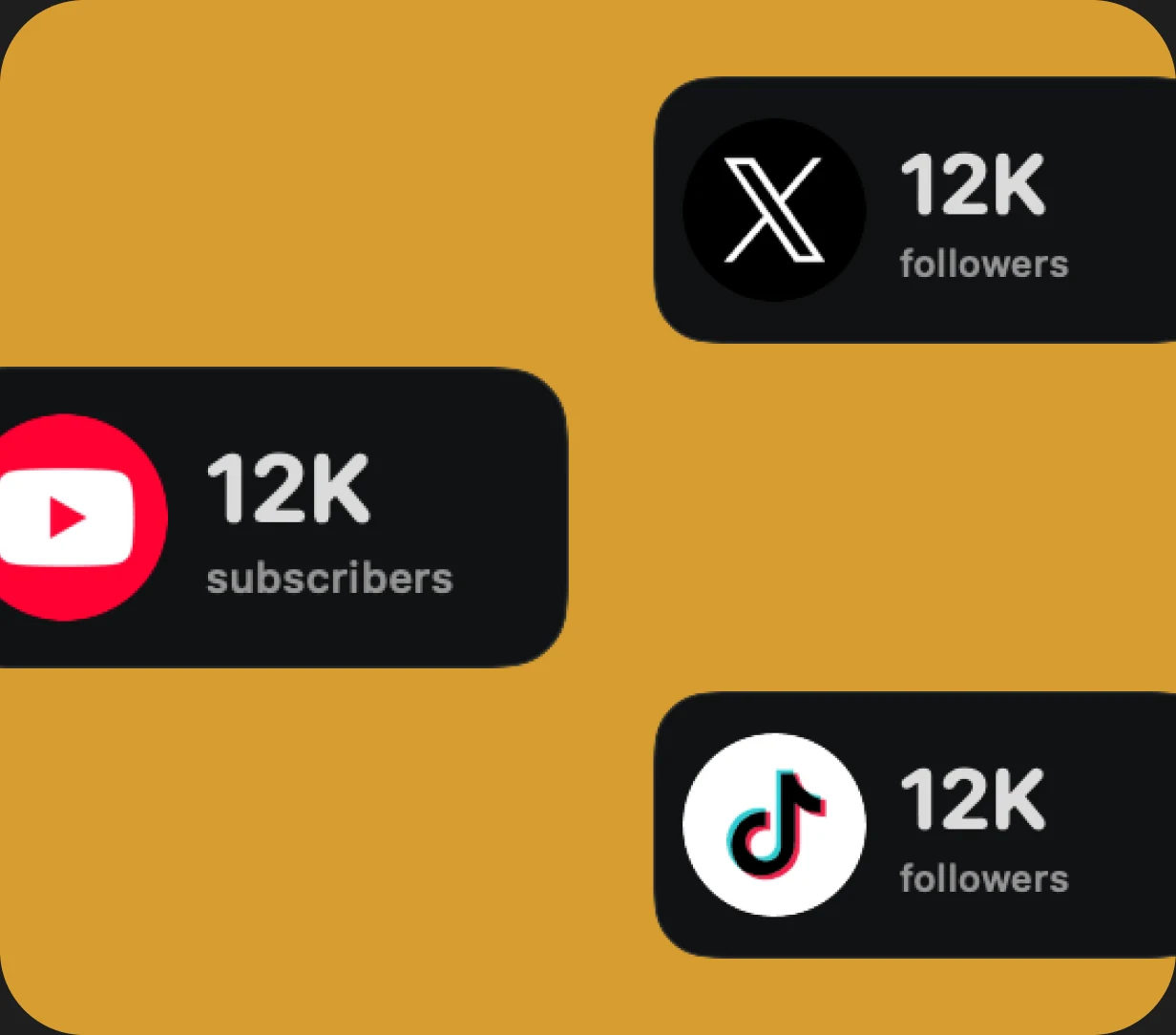
Keep tabs on your social accounts while you work. See the numbers that matter without getting pulled into the feed.
Everyday utilities
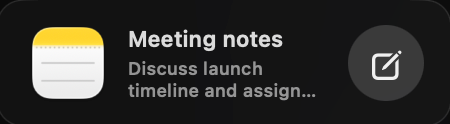
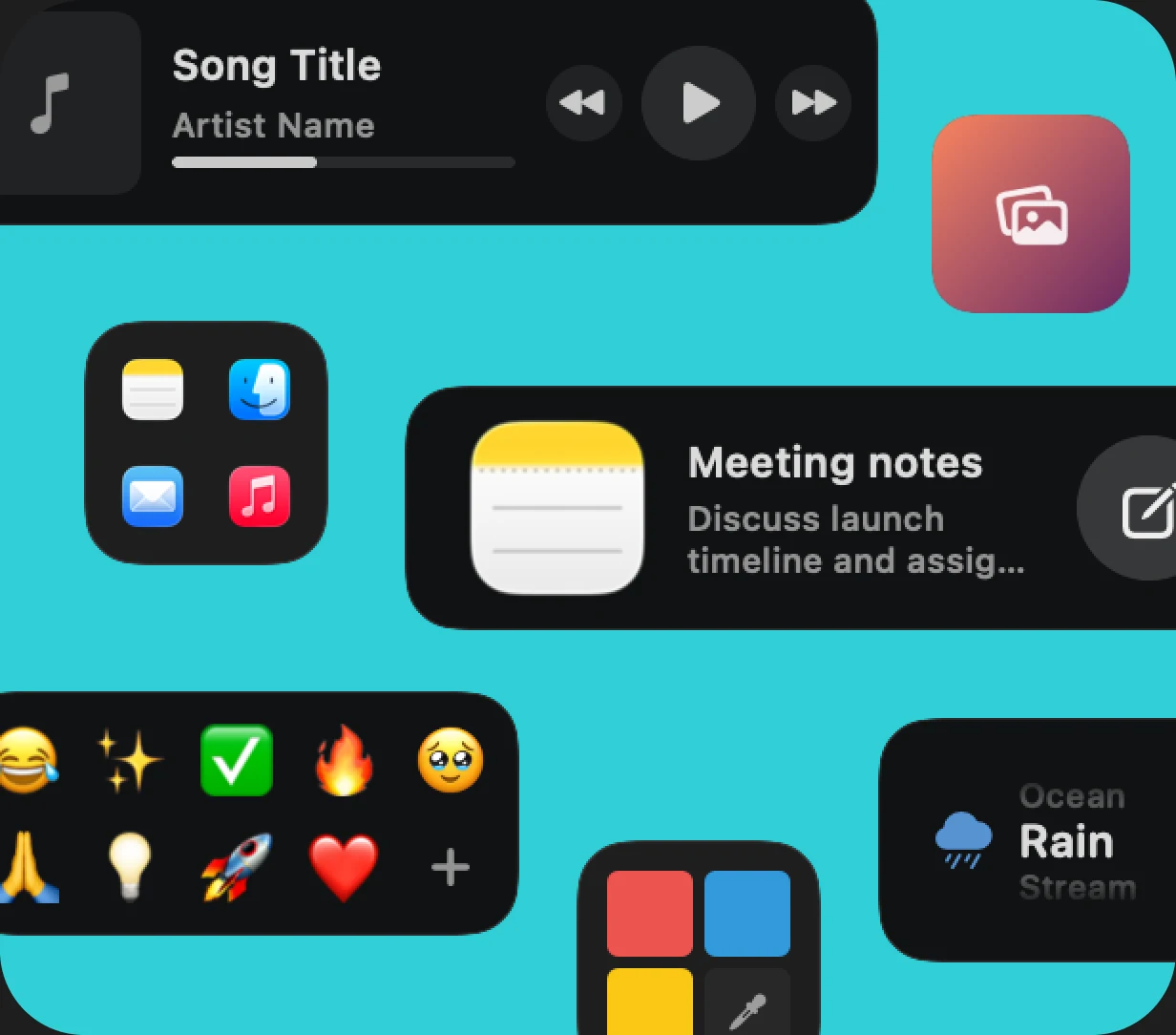
Control music, open notes and apps, find an emoji, pick a color, or change your wallpaper. The little tools you use all day are ready in your Dock.
Real feedback from people using CoolDock every day.
""Such a cool app! So many useful widgets. The profiles is a nice touch too!""
"Usually you have to choose between functional, fast, or sexy.
With CoolDock, it's all three — AND customizable.
I've tried every productivity and dock replacement app out there, and none of them ever felt right. But I always believed someone could get it right — and this is it.
I've been looking for something that's beautiful, functional, and gives me superpowers on my Mac. CoolDock is the trifecta."

"Amazing. Great job! I’ve replaced my default dock entirely already. This is the kind of dock Apple should have built!"


"…Also, you should seriously charge more for this. Once all the rough edges get smoothened out, this is easily a $50 product."

"Love. Purchased both of these. I’m really impressed with widgets. I wish to have widget for Structured and I’ll be the happiest person"
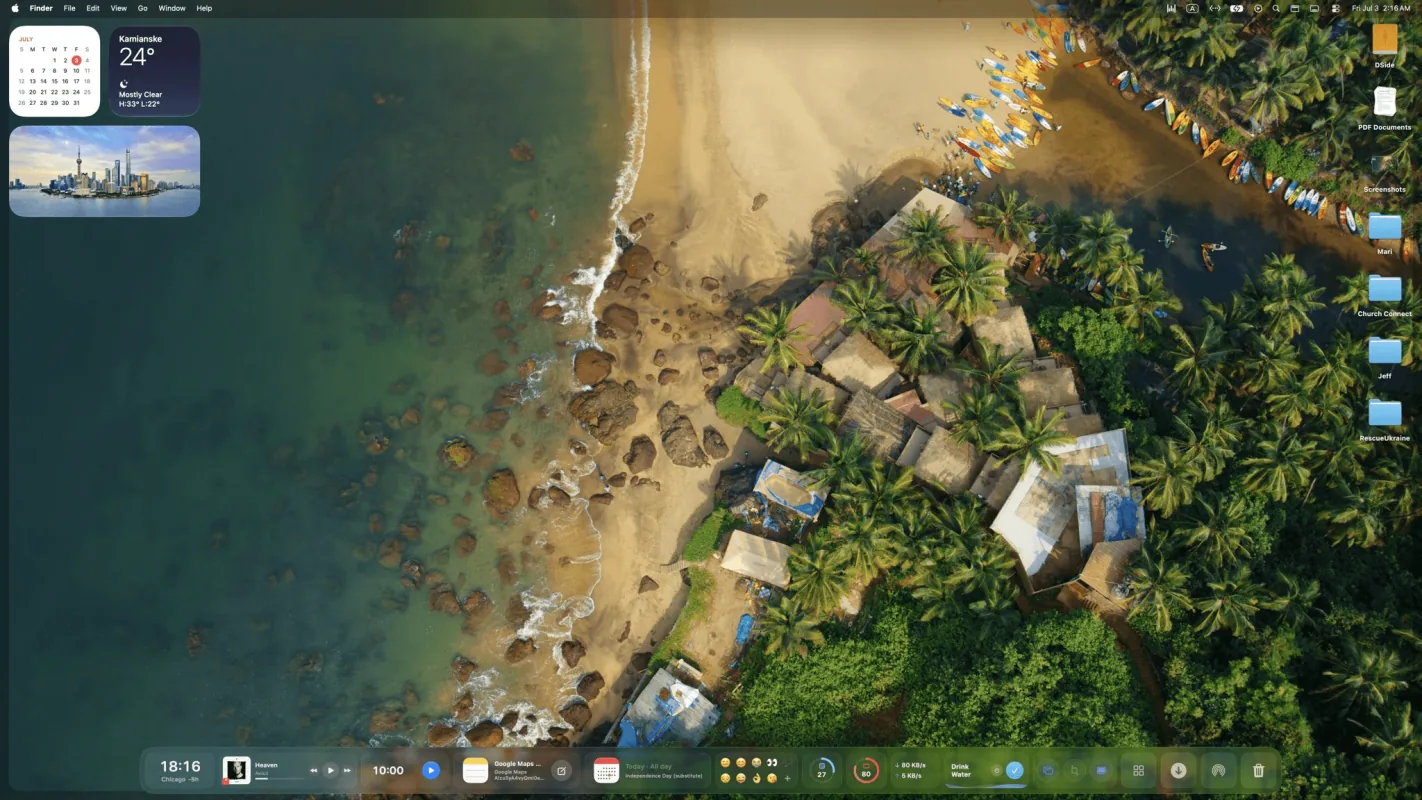
Add live widgets, quick actions, search, stats, weather, music, todos, and more to a beautiful second Dock built for your daily workflow.
Download for macOS


One-time payment. No subscription.
$14.99
Tax might apply
Previously $46.50
$34.99
Tax might apply
$34.99 per device Save $11.51
Previously $69.99
$57.99
Tax might apply
$29.00 per device Save $12.00
Previously $89.99
$69.99
Tax might apply
$23.33 per device Save $20.00
$115.99
Tax might apply
Lifetime Access includes one year of updates, and your version keeps working forever. Forever Edition includes all future updates for life. The One Year License expires after 12 months and does not renew automatically.
Everything you need to know about CoolDock, your useful second Dock for live widgets, apps, folders, and quick actions.
CoolDock is a second Dock for your Mac, built for live widgets, quick actions, apps, folders, and useful everyday information.
No. CoolDock works beside your original Mac Dock, so you can keep your existing Dock exactly as it is.
You can add live widgets like music, weather, calendar, reminders, system stats, search, quick toggles, files, downloads, notes, mail, and more.
Yes. You can pin apps, organize apps into folders, and add your favorite folders for quick access.
CoolDock supports macOS Sonoma 14.0 or later.
CoolDock is built as a native Mac app. Local widgets work on your Mac, and connected widgets only use the access needed for that specific feature.
Yes. Every plan is a one-time payment with no subscription or automatic renewal. Choose one year of access, Lifetime Access with one year of updates, or Forever Edition with lifetime access and updates for up to 5 Macs. Existing purchases keep the license and update terms offered at checkout.
Some widgets may ask for macOS permissions, such as Calendar, Reminders, Contacts, Photos, Microphone, Accessibility, or Automation. CoolDock only asks when a feature needs access.
Yes. You can customize your widgets, apps, folders, layout, sizes, and appearance.
CoolDock is designed for modern Mac setups, including external displays.
Yes. You can use CoolDock beside your original Dock, or combine it with macOS Dock auto-hide if you prefer a cleaner setup.
Yes. More widgets are added based on the roadmap and user requests. See the roadmap