Clock styles
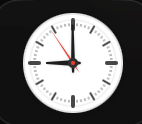
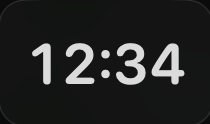
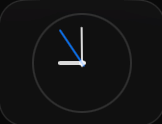
A clock face for every taste.
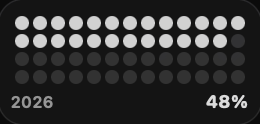
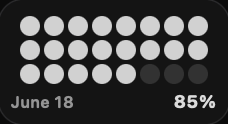
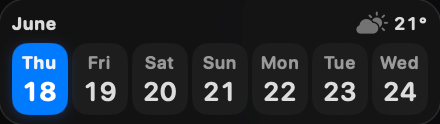
Digital, analog, flip, pixel, ring, and overlap clocks, with or without seconds and the date. Resize them, pick the colors, and they stay in your Dock on every screen.
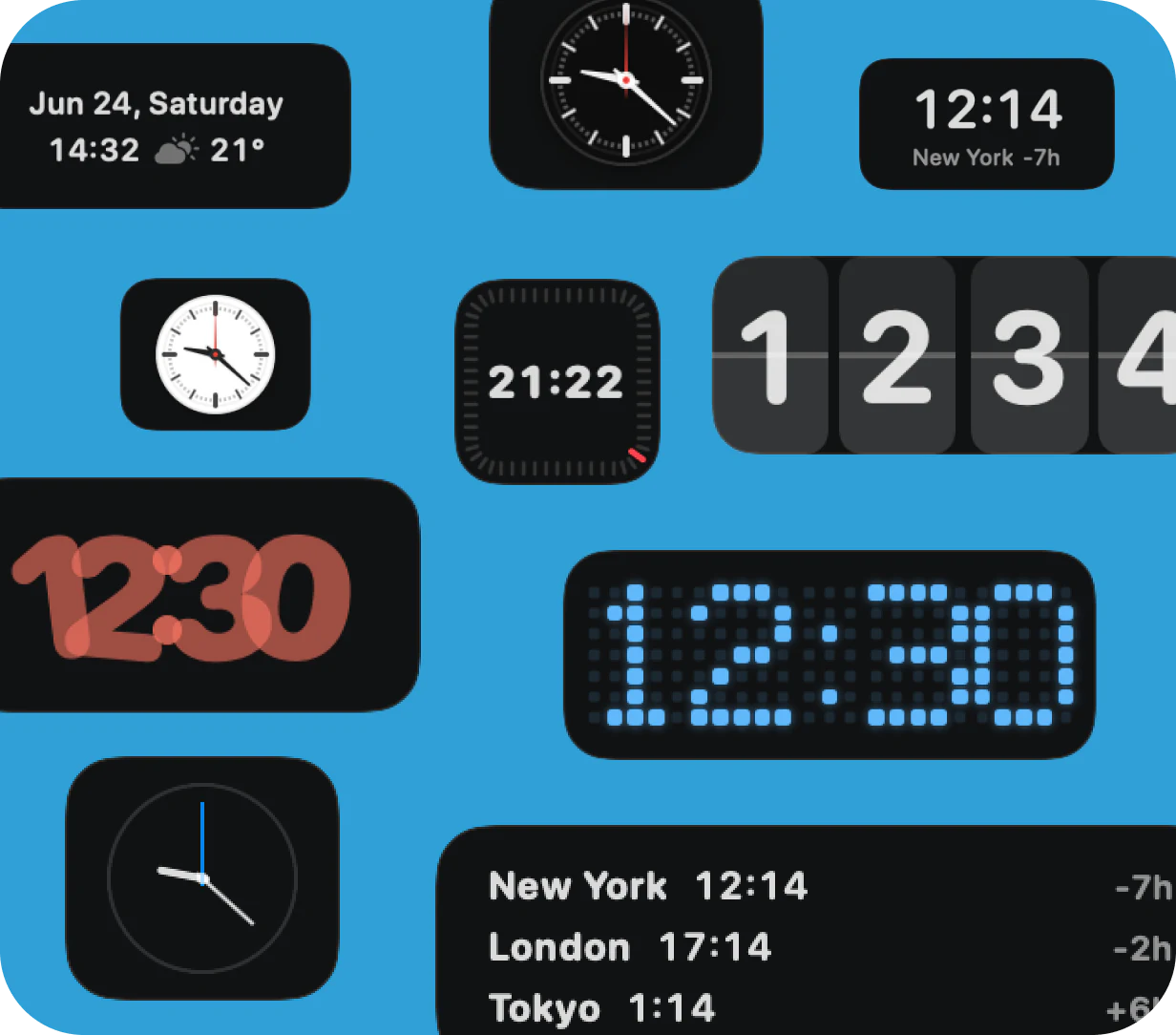
19 clock, timer & world time widgets
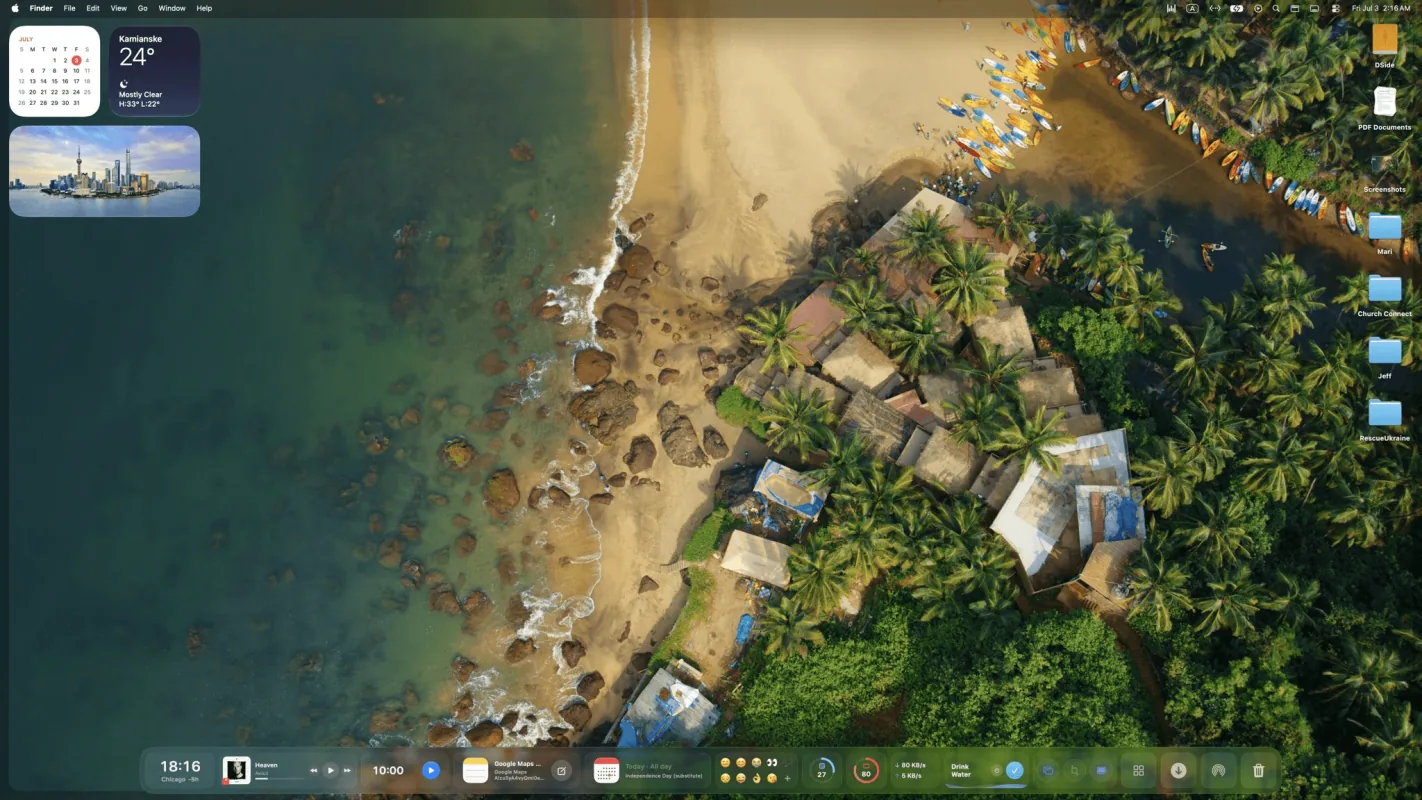
CoolDock is a second Dock for your Mac, packed with live widgets for time, weather, tasks, music, and system stats. Pick the clocks you like, keep a timer or a second time zone in view, and everything else stays one glance away while you work.
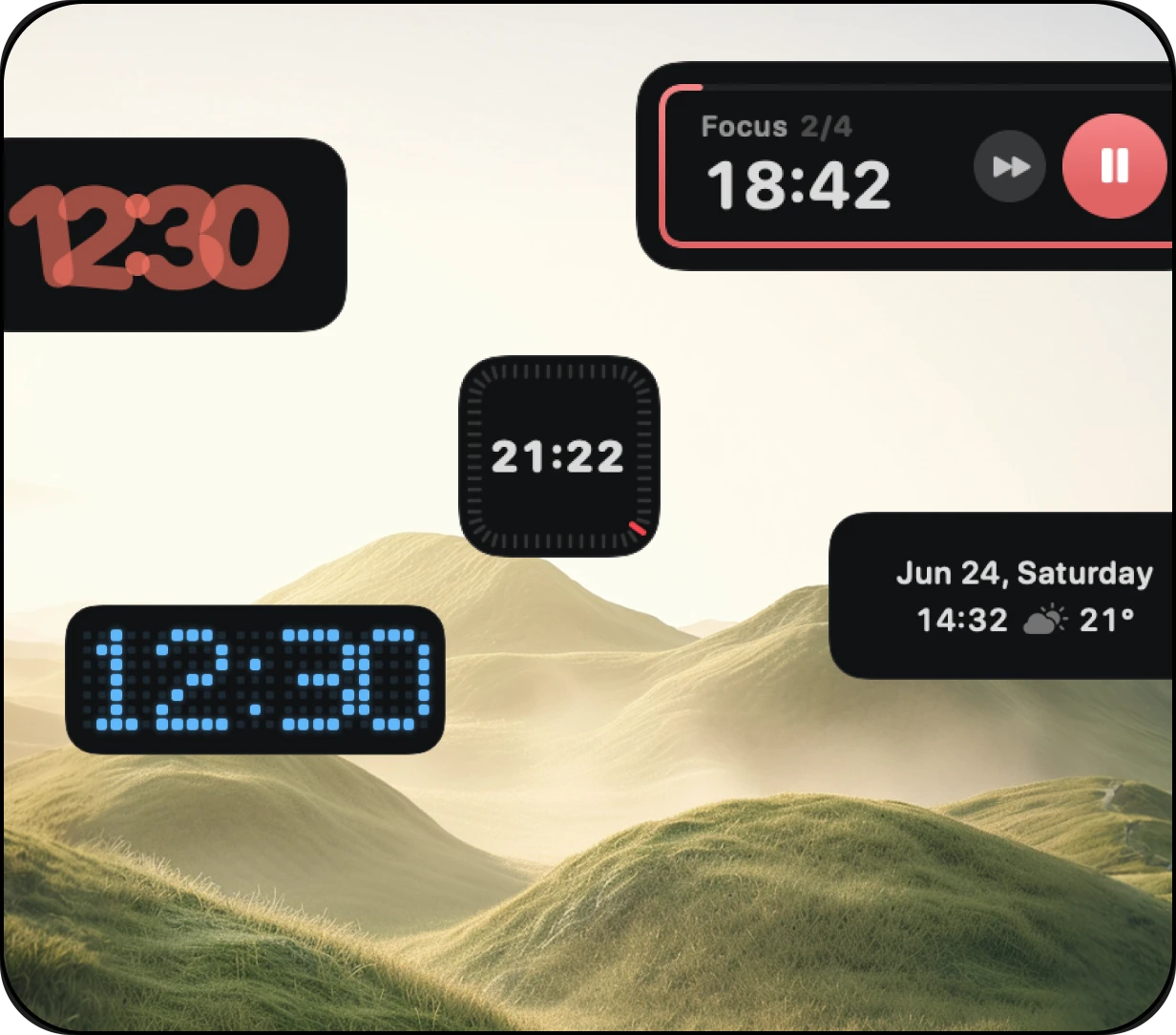
Clock styles
Digital, analog, flip, pixel, ring, and overlap clocks, with or without seconds and the date. Resize them, pick the colors, and they stay in your Dock on every screen.
Timer, stopwatch & Pomodoro
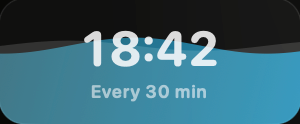
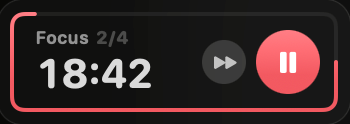
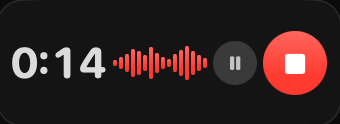
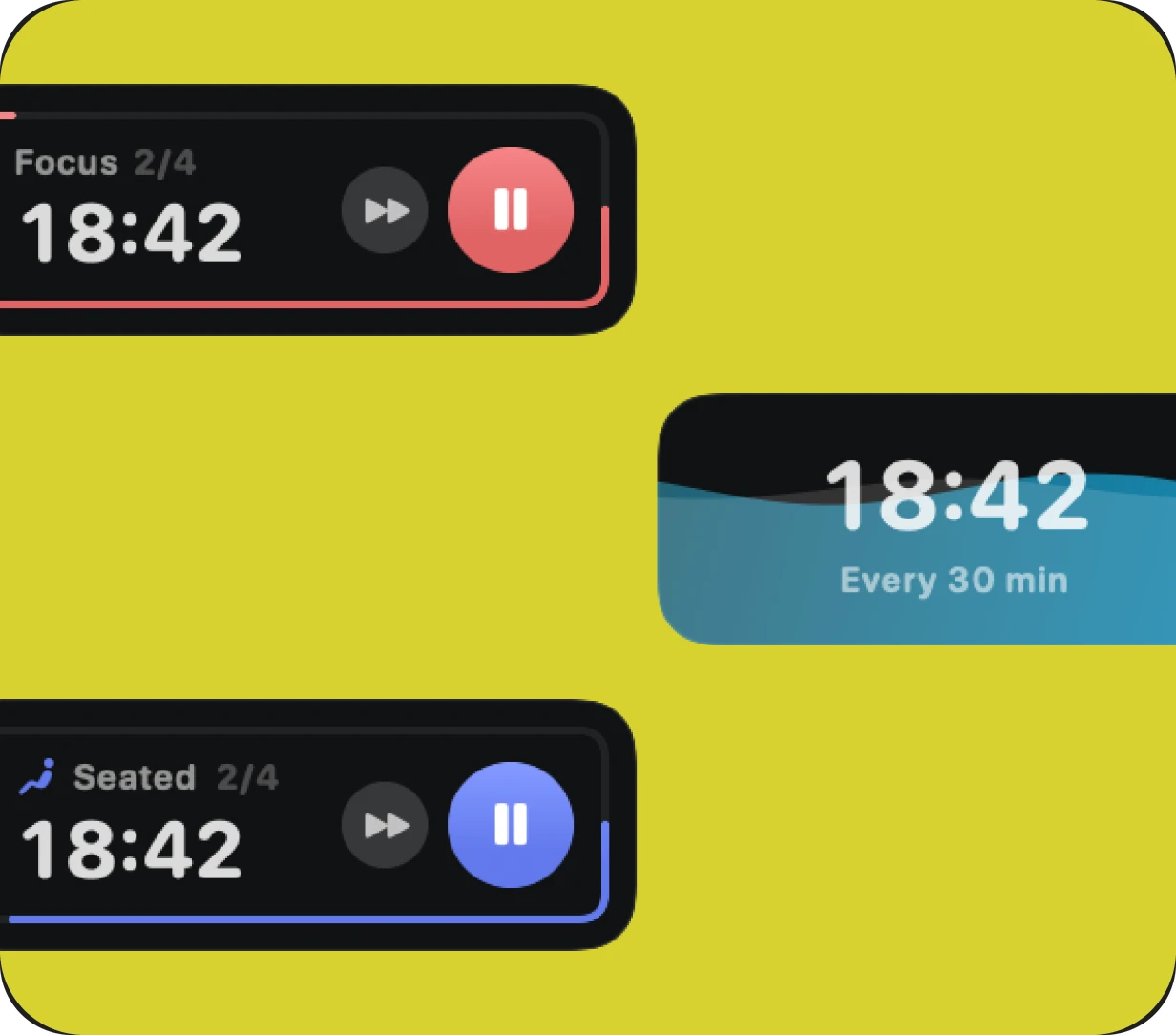
Start a countdown, run a stopwatch, or work in Pomodoro rounds. Each one keeps its time visible in the Dock while you work in any app, so you glance instead of switching.
Beyond the clock
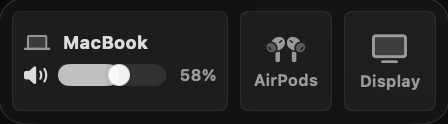
The same Dock that holds your clock can hold recent files, screenshots, Finder search, AirDrop, and app volume.
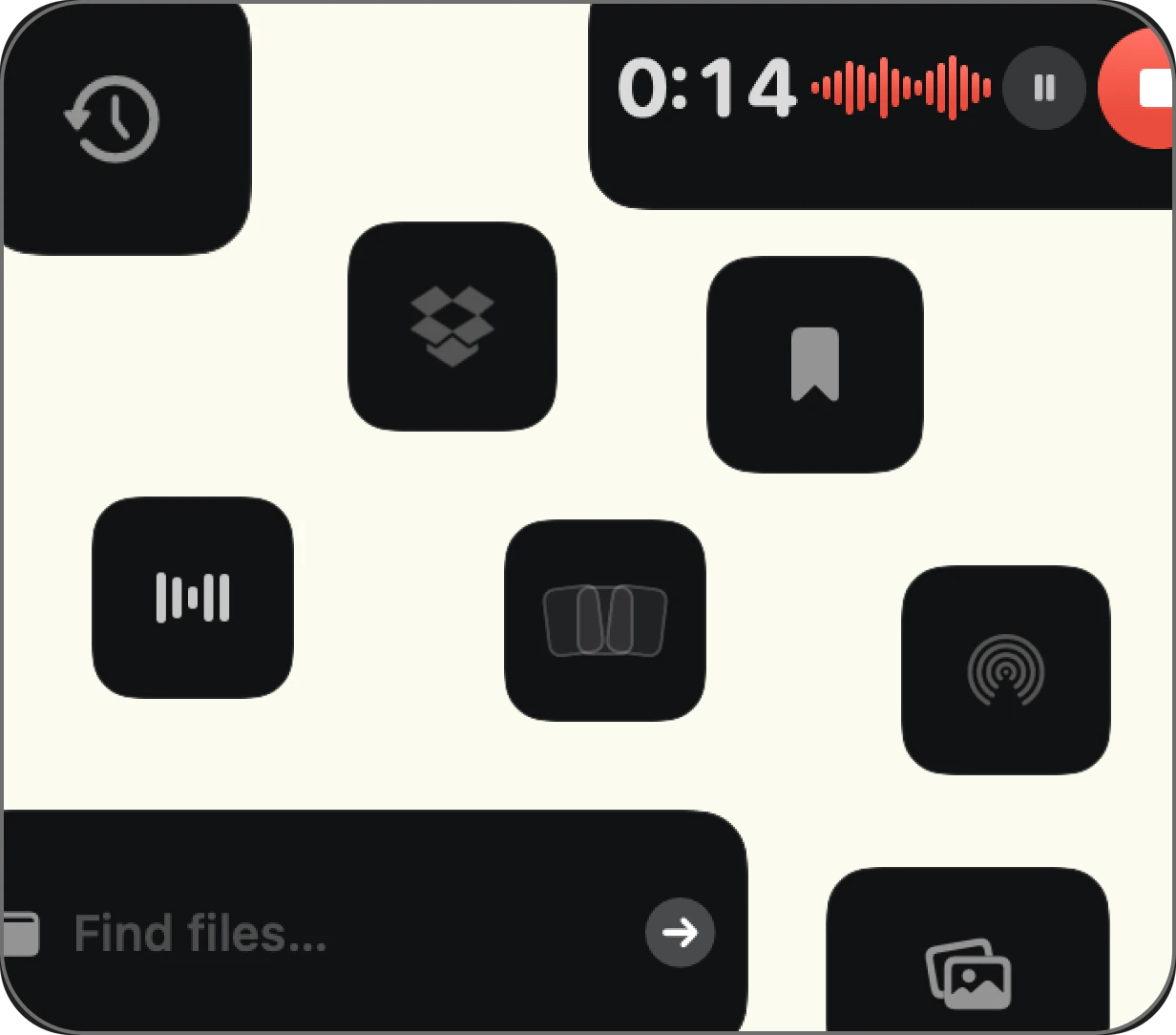
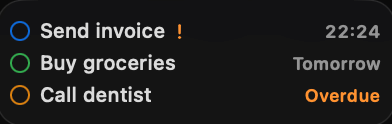
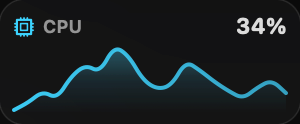
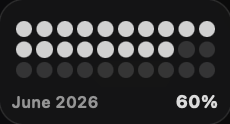
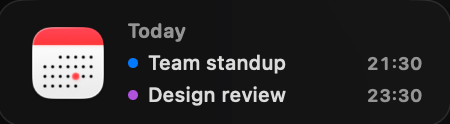
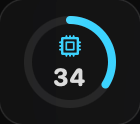
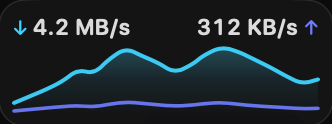
Add live widgets, quick actions, apps, folders, search, stats, weather, calendars, reminders, and more into a beautiful second Dock beside your original Mac Dock.
 Watch the overview
Pick a clock, add a timer or a second time zone, and keep the rest of CoolDock's 160+ widgets one Dock away whenever you want them.
Download for macOS150+ Premium wallpapers included


One-time payment. No subscription.
$14.99
Tax might apply
Previously $46.50
$34.99
Tax might apply
$34.99 per device Save $11.51
Previously $69.99
$57.99
Tax might apply
$29.00 per device Save $12.00
Previously $89.99
$69.99
Tax might apply
$23.33 per device Save $20.00
$115.99
Tax might apply
Lifetime Access includes one year of updates, and your version keeps working forever. Forever Edition includes all future updates for life. The One Year License expires after 12 months and does not renew automatically.
Everything you need to know about CoolDock, your useful second Dock for live widgets, apps, folders, and quick actions.
CoolDock is a second Dock for your Mac, built for live widgets, quick actions, apps, folders, and useful everyday information.
No. CoolDock works beside your original Mac Dock, so you can keep your existing Dock exactly as it is.
You can add live widgets like music, weather, calendar, reminders, system stats, search, quick toggles, files, downloads, notes, mail, and more.
Yes. You can pin apps, organize apps into folders, and add your favorite folders for quick access.
CoolDock supports macOS Sonoma 14.0 or later.
CoolDock is built as a native Mac app. Local widgets work on your Mac, and connected widgets only use the access needed for that specific feature.
Yes. Every plan is a one-time payment with no subscription or automatic renewal. Choose one year of access, Lifetime Access with one year of updates, or Forever Edition with lifetime access and updates for up to 5 Macs. Existing purchases keep the license and update terms offered at checkout.
Some widgets may ask for macOS permissions, such as Calendar, Reminders, Contacts, Photos, Microphone, Accessibility, or Automation. CoolDock only asks when a feature needs access.
Yes. You can customize your widgets, apps, folders, layout, sizes, and appearance.
CoolDock is designed for modern Mac setups, including external displays.
Yes. You can use CoolDock beside your original Dock, or combine it with macOS Dock auto-hide if you prefer a cleaner setup.
Yes. More widgets are added based on the roadmap and user requests. See the roadmap